Free on the App Store
Photo finishing,
done right.
Turn your shots into polished, share-ready assets. Matted borders, panoramic carousels, spec sheets, and collages — all on-device.
Turn your shots into polished, share-ready assets. Matted borders, panoramic carousels, spec sheets, and collages — all on-device.
Bordered Frames
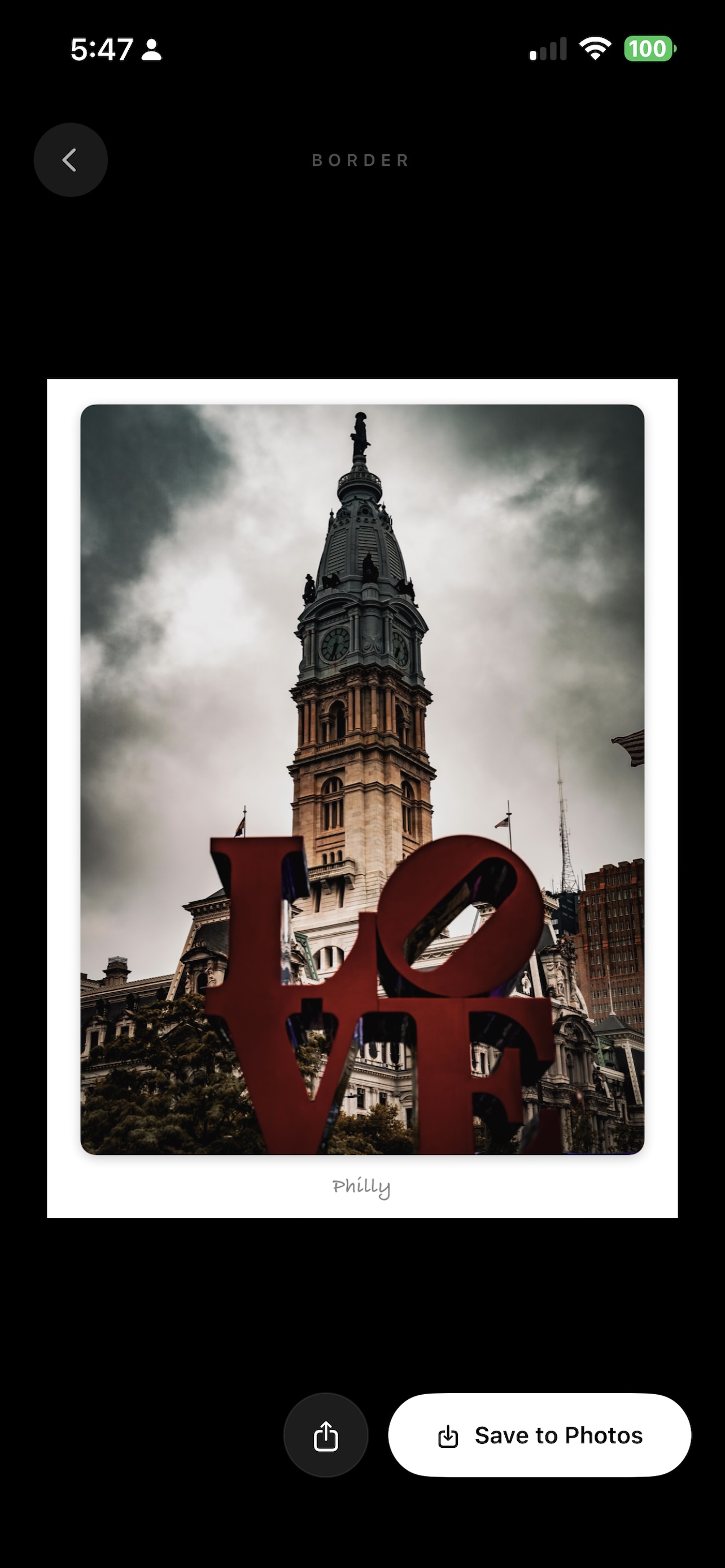
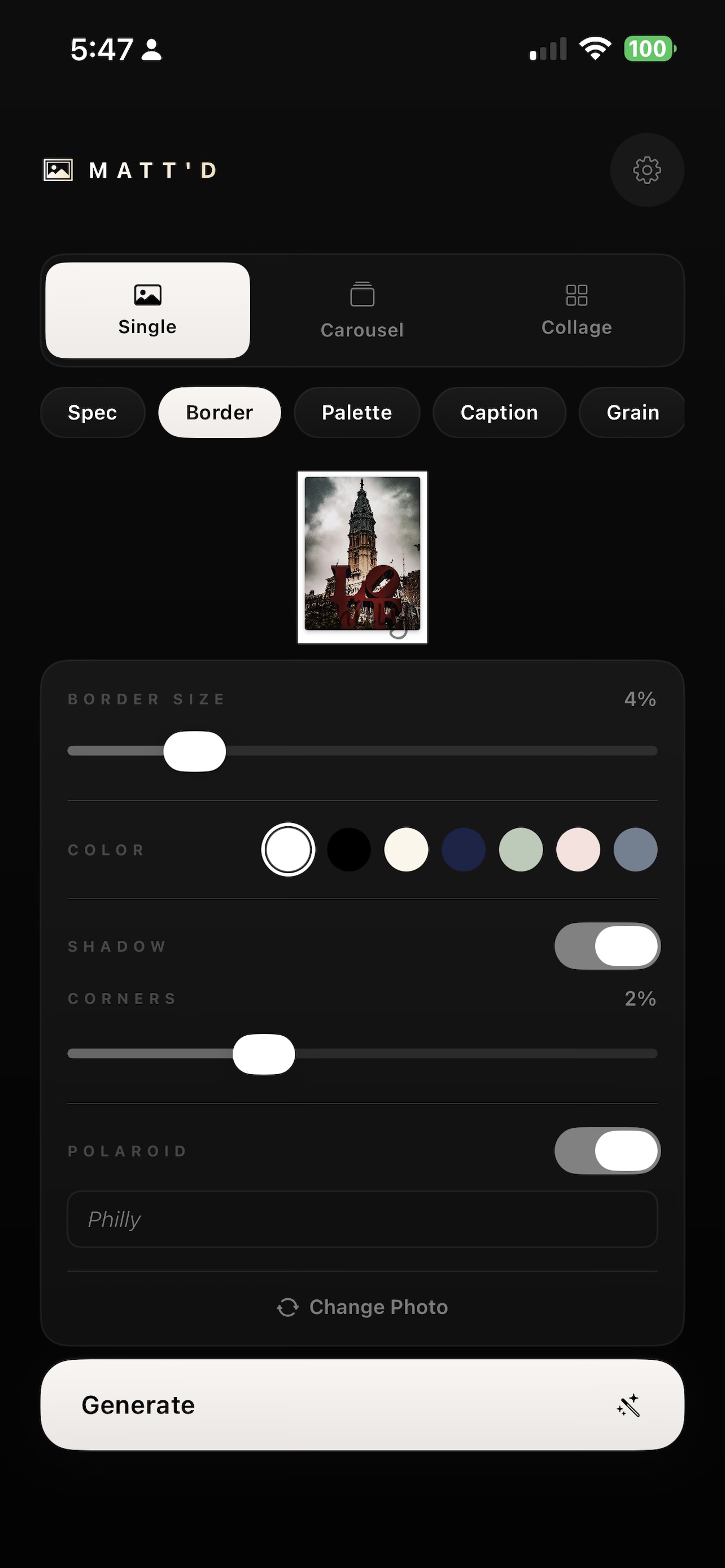
Add a classic mat border with full control over size, color, corner radius, and shadow. Enable Polaroid mode to drop a handwritten-style caption below your photo.
Panoramic Carousel
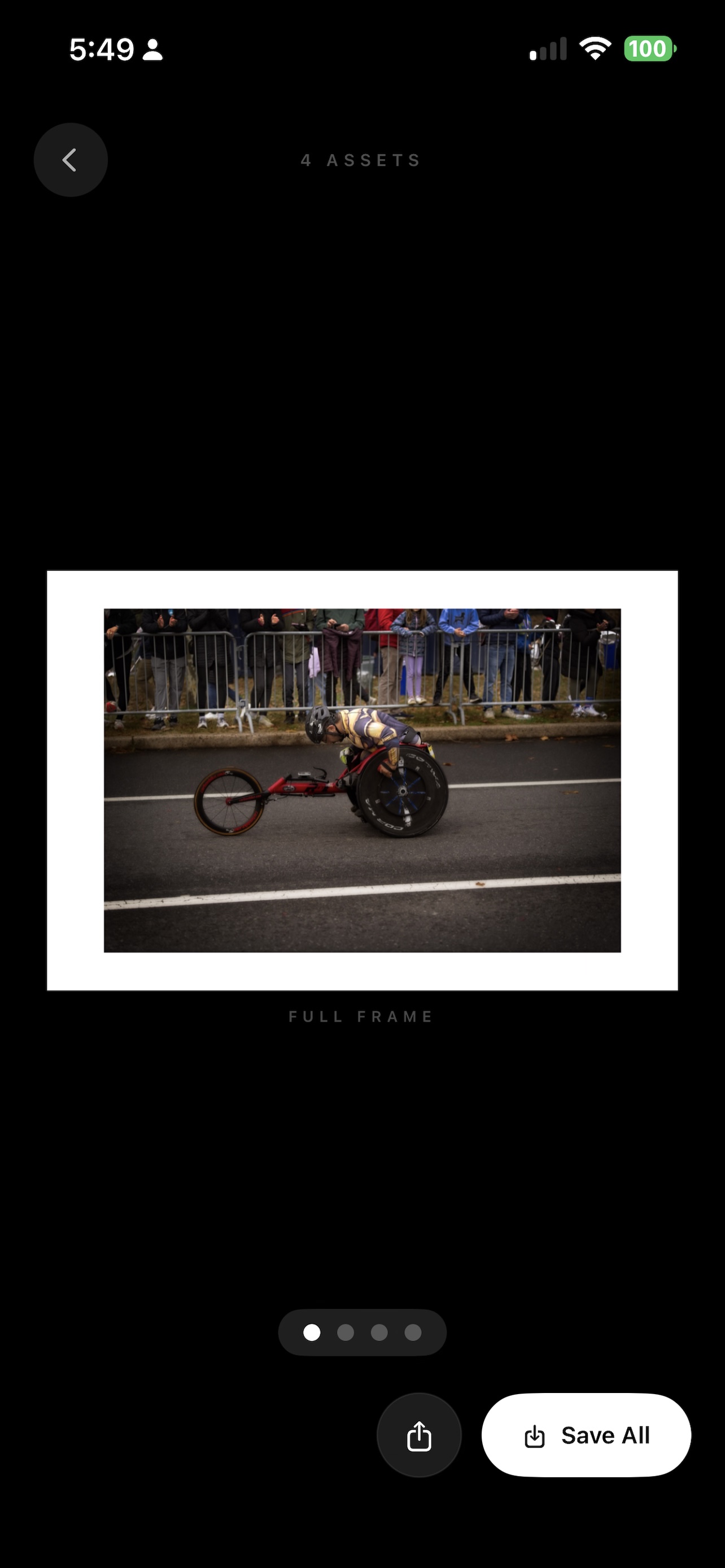
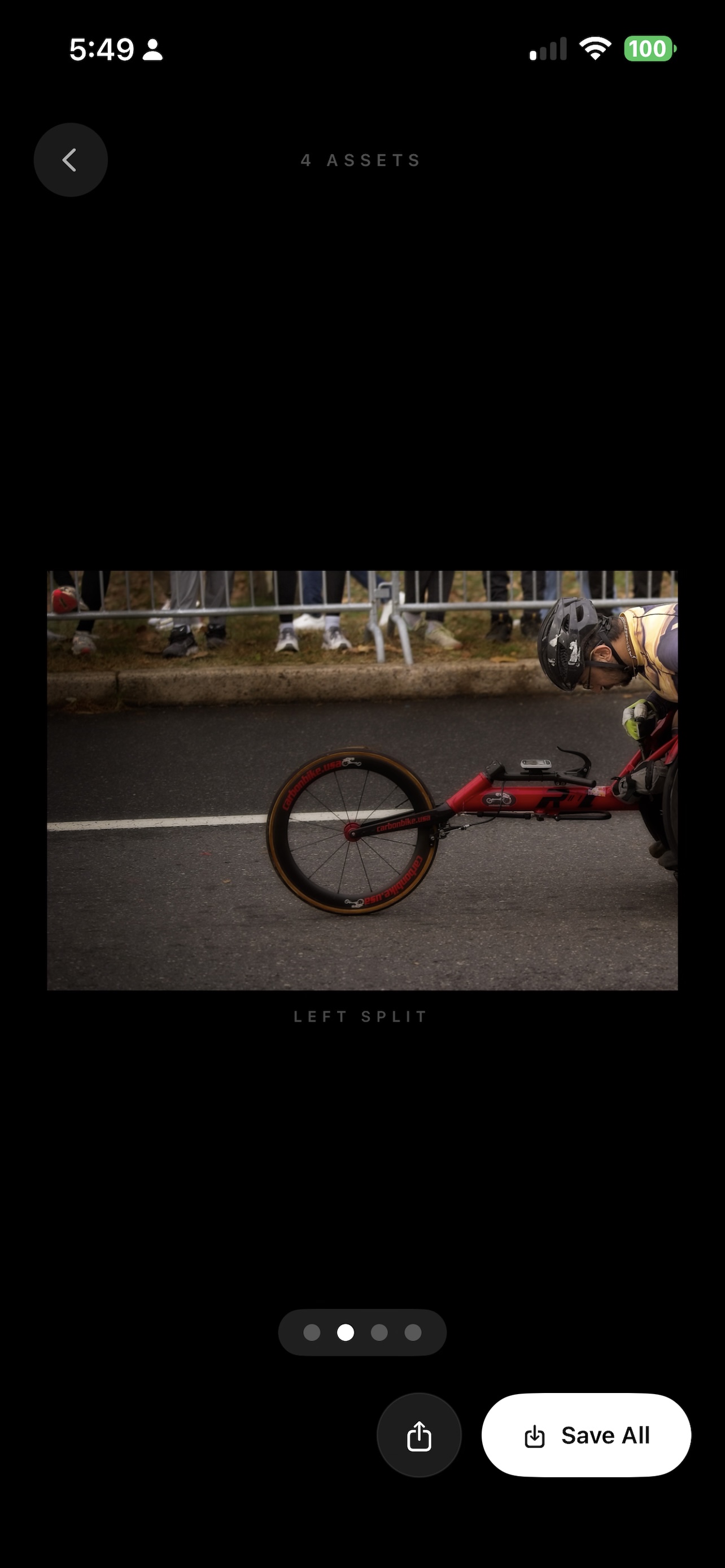
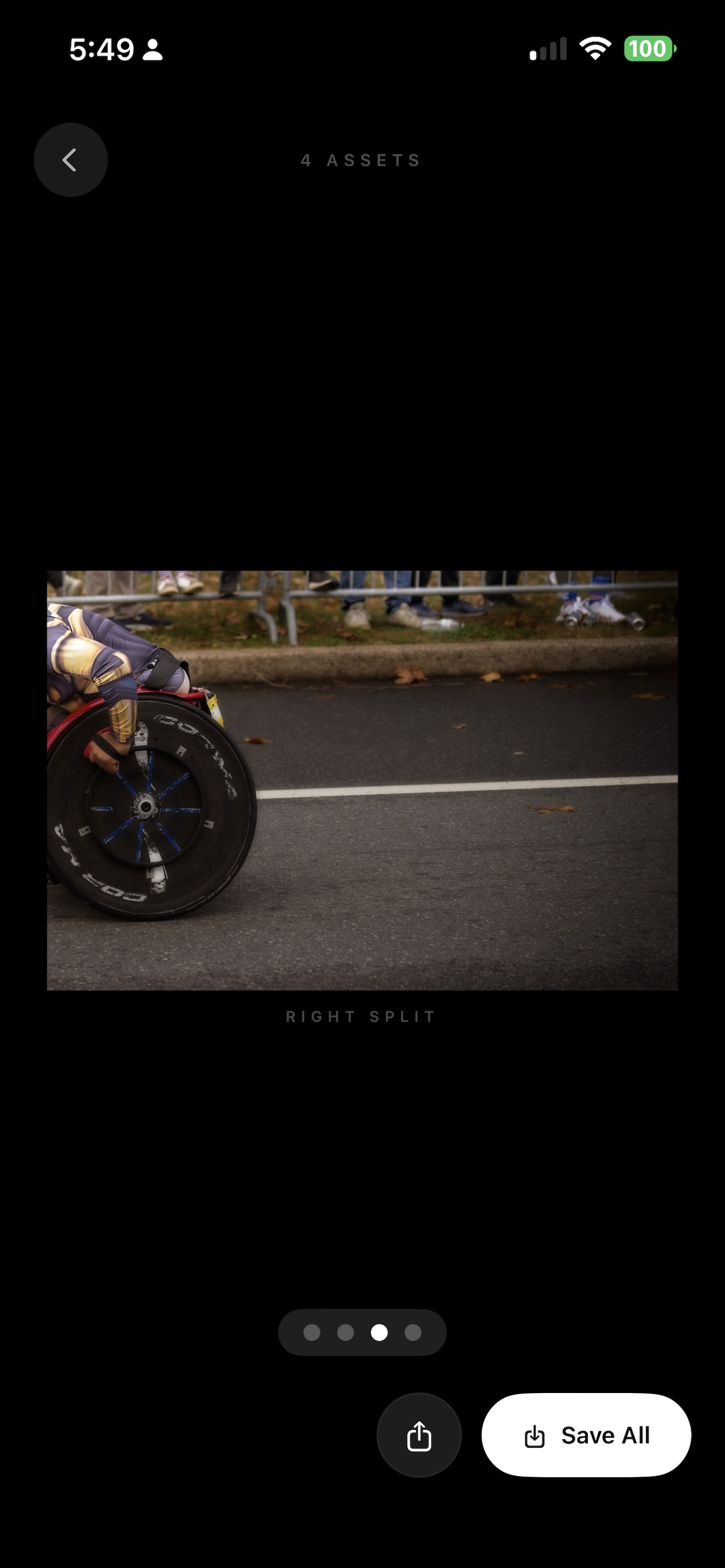
Matt'd crops your photo to 8:5, then splits it into two seamless 4:5 portrait panels — ready to post as a reveal carousel on Instagram. No cropping. No gaps. Edge to edge.
Spec Sheet
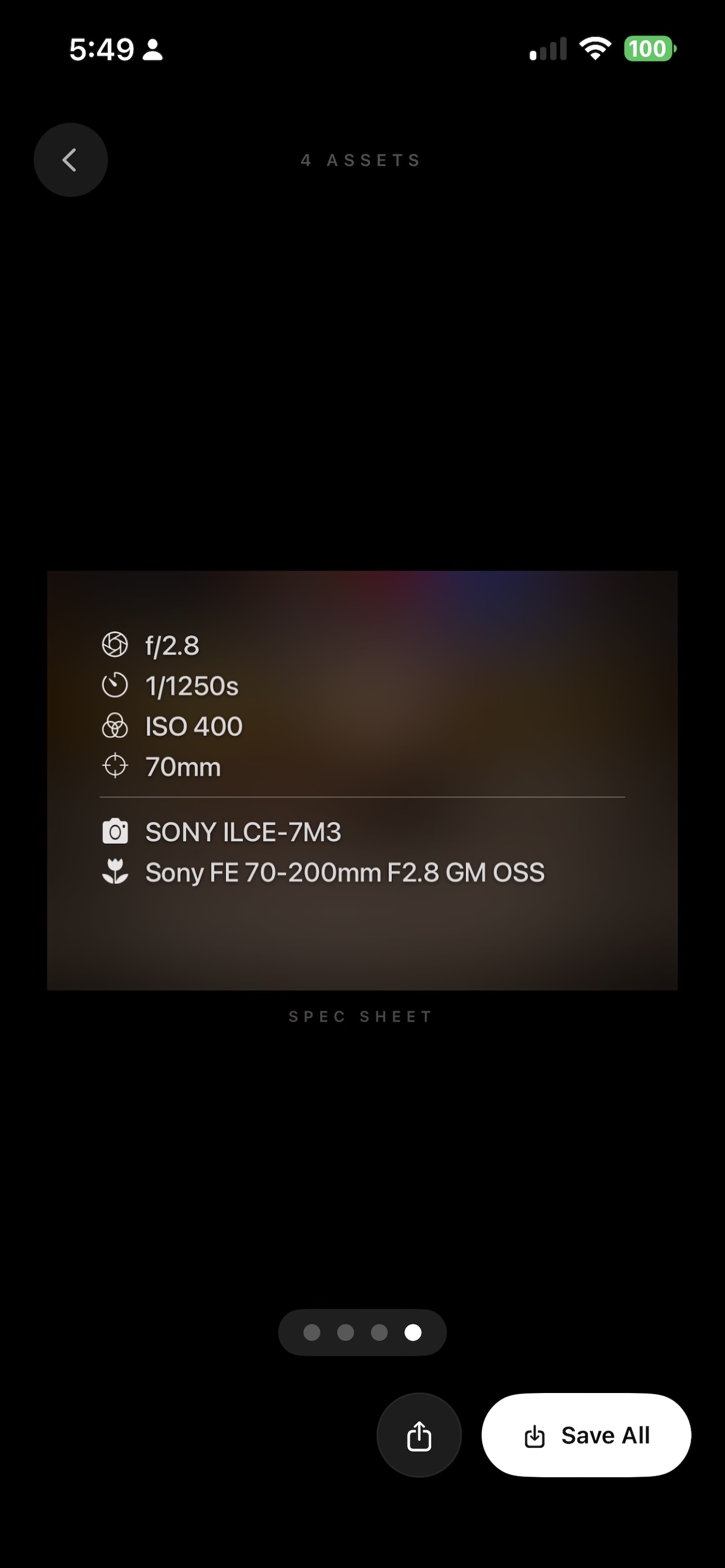
Automatically reads your photo's EXIF data — aperture, shutter speed, ISO, focal length, camera body, and lens — and lays it over a blurred, color-boosted version of your image.
Collage
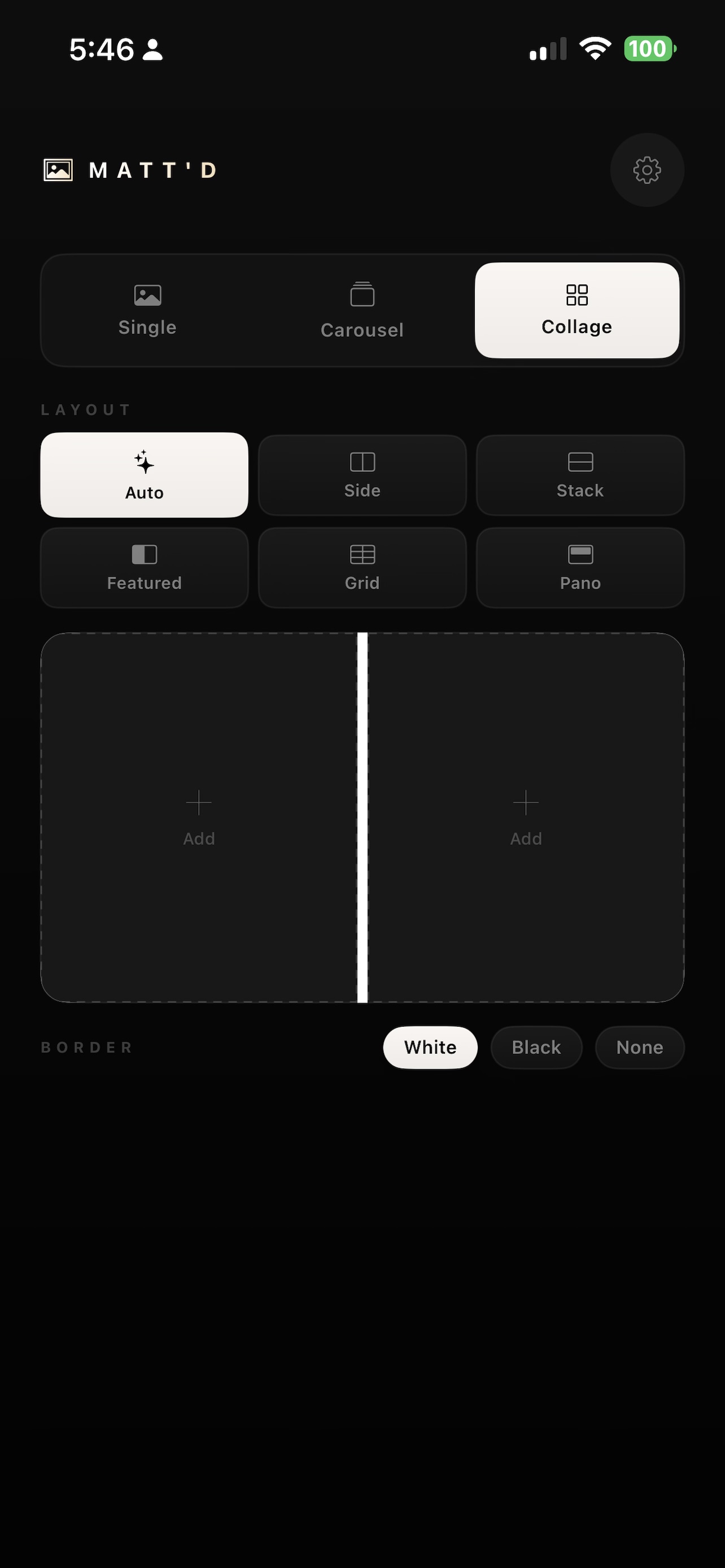
Combine up to four photos into a single polished image. Choose from Auto, Side by Side, Stack, Featured, Grid, or Panoramic layouts.
Carousel mode generates your original, full frame, left split, right split, and spec sheet simultaneously.
No account, no uploads, no cloud. Every photo stays on your phone. Processing happens locally in seconds.
Saves at 100% JPEG quality directly to your Photos library, ready to share without re-compression.
Extract the five dominant colors from any photo and present them as a clean swatch card.
Add a quote or caption over your photo with a minimal dark or light overlay — perfect for story slides.
Add a cinematic film grain overlay and vignette to any photo with a single adjustable slider.
Available Now
Free download. No subscription. No account.
Download on the App Store